

You have ideas worth sharing, but your gear can quietly slow you down. A phone camera in low light gets noisy. A basic computer freezes during edits. Uploads take forever, and suddenly creating feels like work.
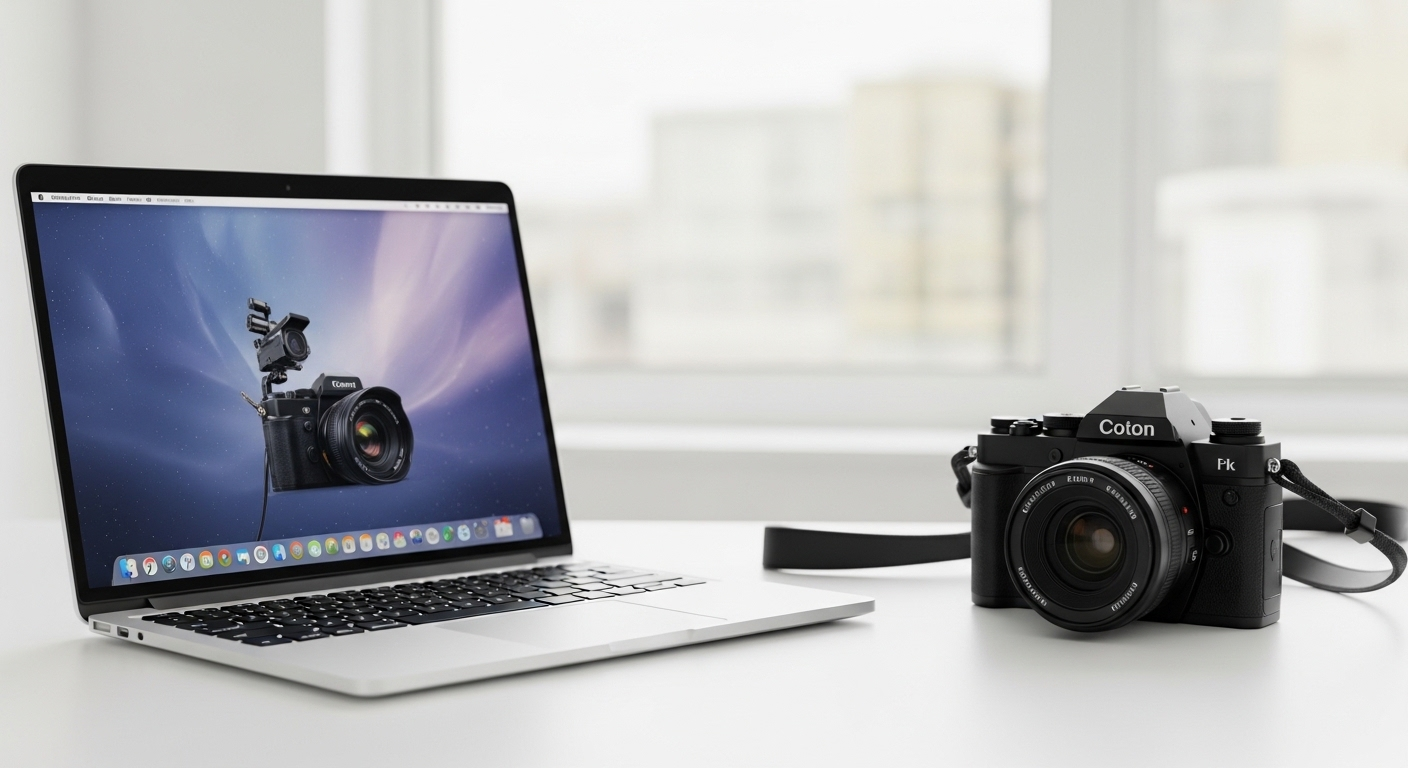
This guide shows you how to build a practical “HP Laptop & Canon Camera: The Ultimate QVC Creator Bundle” using five QVC products, chosen to cover beginner, vlogging, and step-up creator needs. You will also get a simple workflow that makes filming, editing, and posting feel smoother.
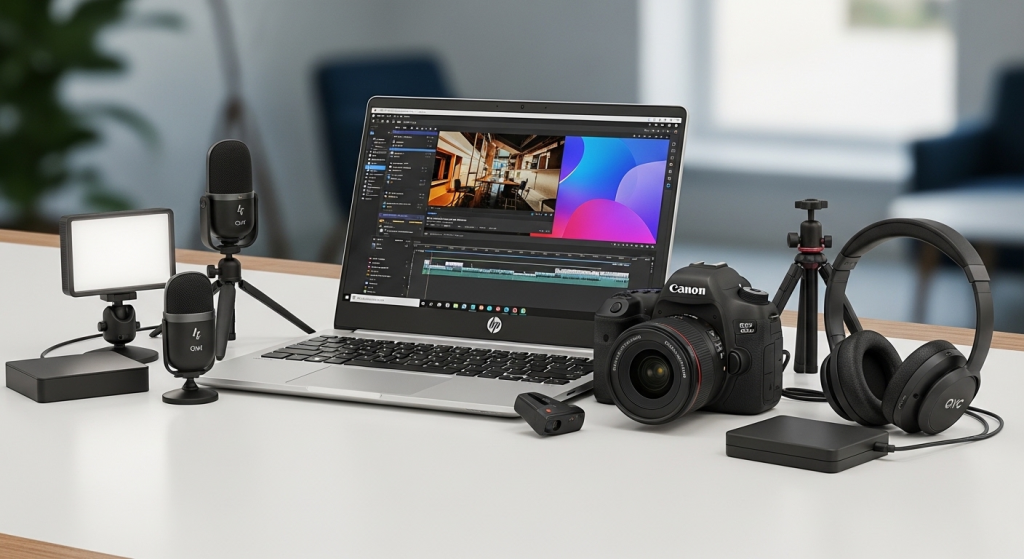
Quick comparison: the 5 QVC products in this creator bundle
| Product (QVC) | Best for | What you get | Why creators care |
|---|---|---|---|
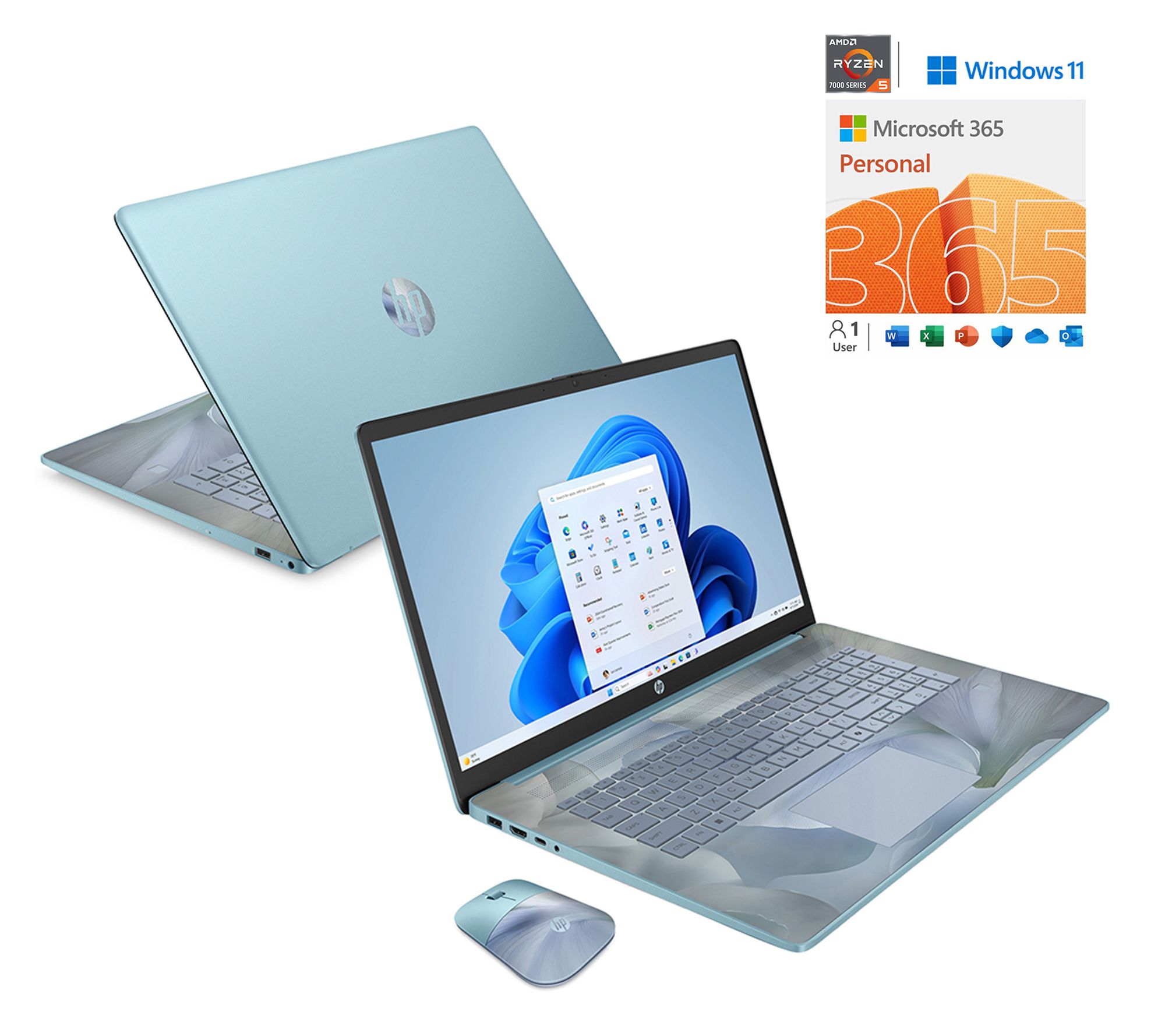
| HP 17" Touch AMD Ryzen 5, 16GB RAM, 1TB SSD | Editing longer videos, lots of files | 17.3" touch display, Ryzen 5 7520U, 16GB LPDDR5, 1TB SSD, Wi-Fi 6 | 16GB plus a big SSD helps keep edits and exports from crawling |
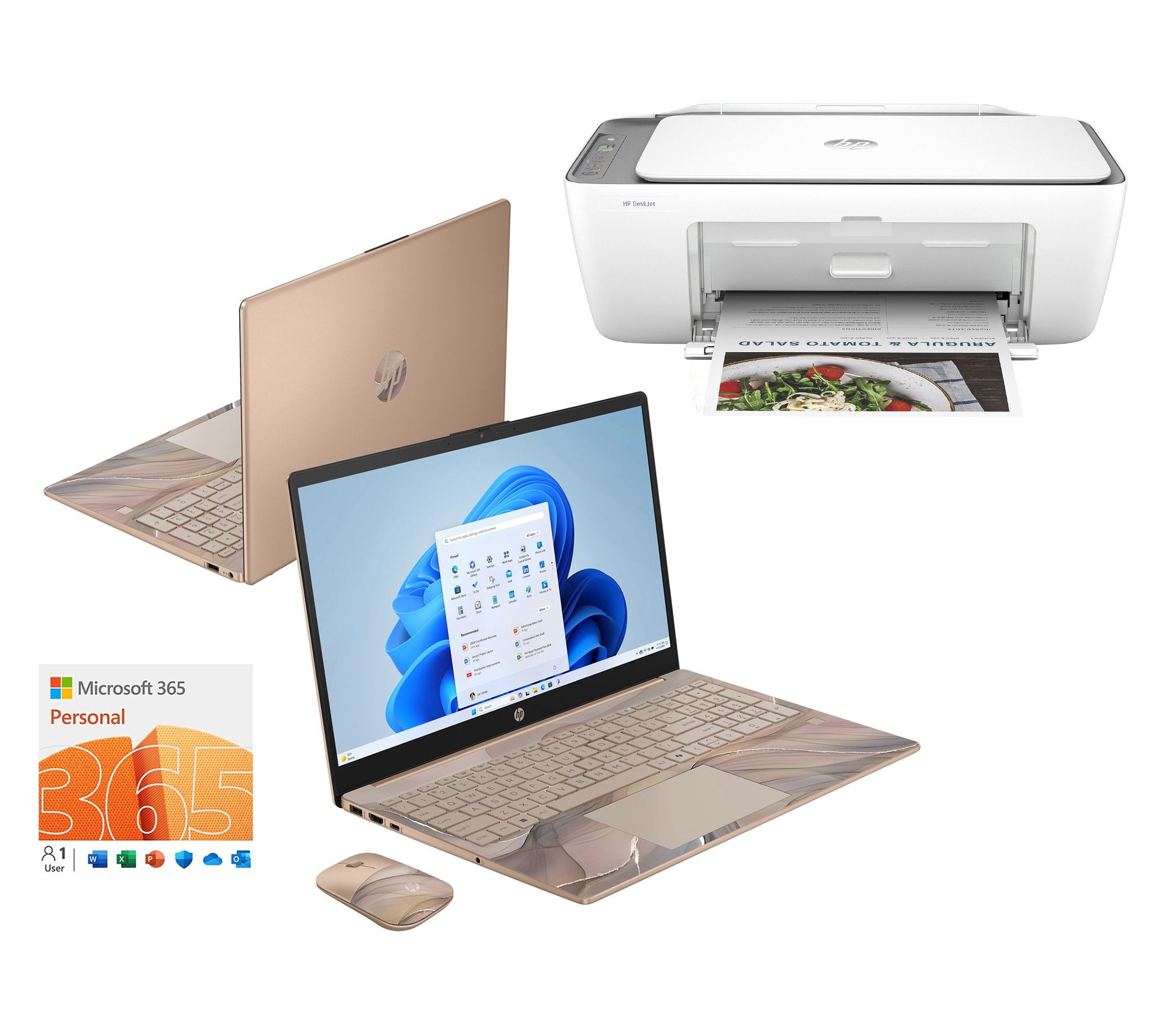
| HP 15.6" Touch Intel N100, 4GB RAM, 128GB storage (bundle) | Starter creators, students, light edits | 15.6" touch display, Intel N100, 4GB RAM, 128GB storage, Wi-Fi 6, includes extras (bundle contents vary) | Great for writing, planning, simple trims, basic photo work, not ideal for heavy video |
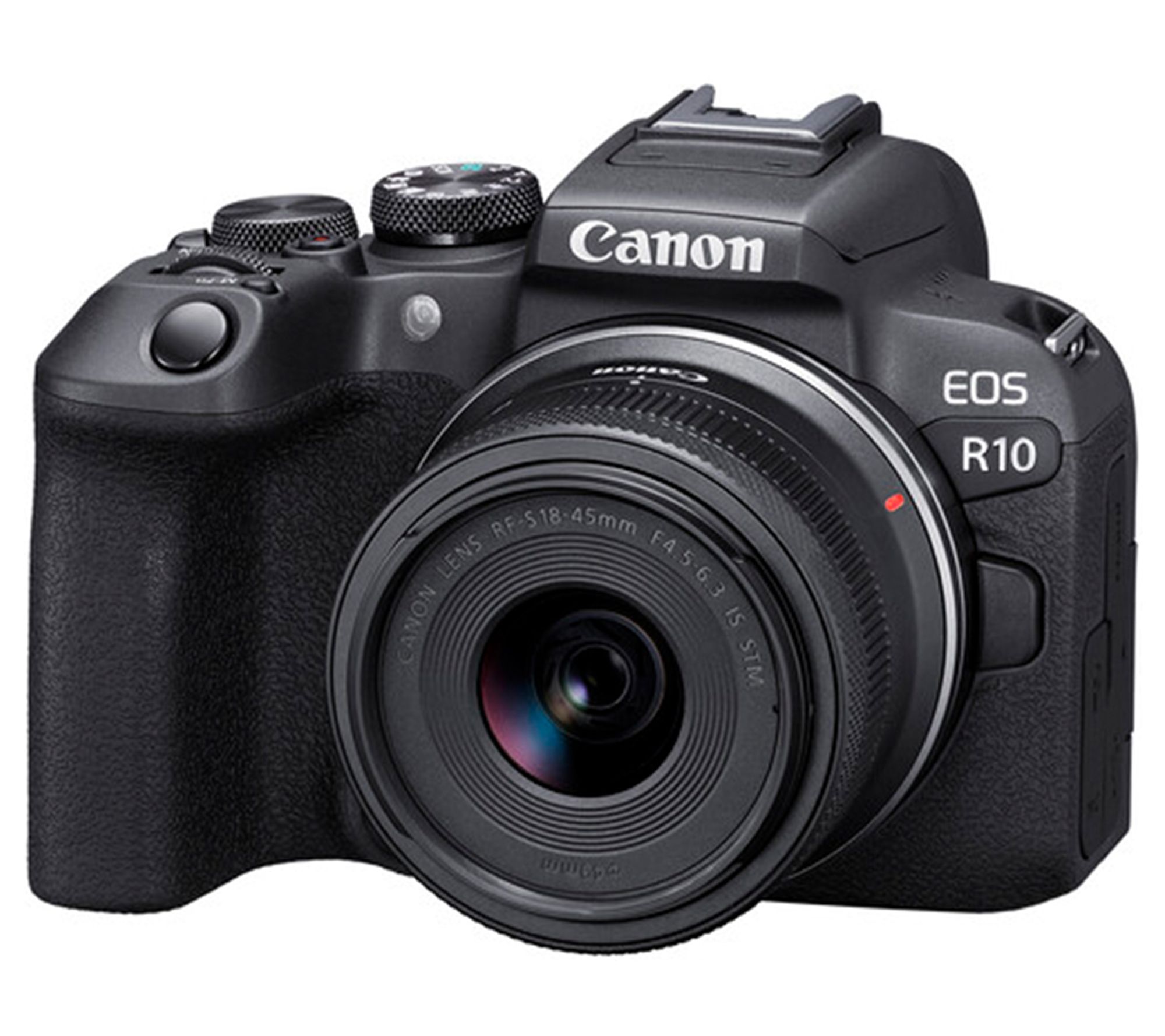
| Canon EOS R10 Mirrorless (RF-S 18-45mm lens) | Hybrid photo and serious video | 24.2MP APS-C, UHD 4K, vari-angle touchscreen, fast shooting, strong autofocus system | A flexible “do most things well” camera for creators who want to grow |
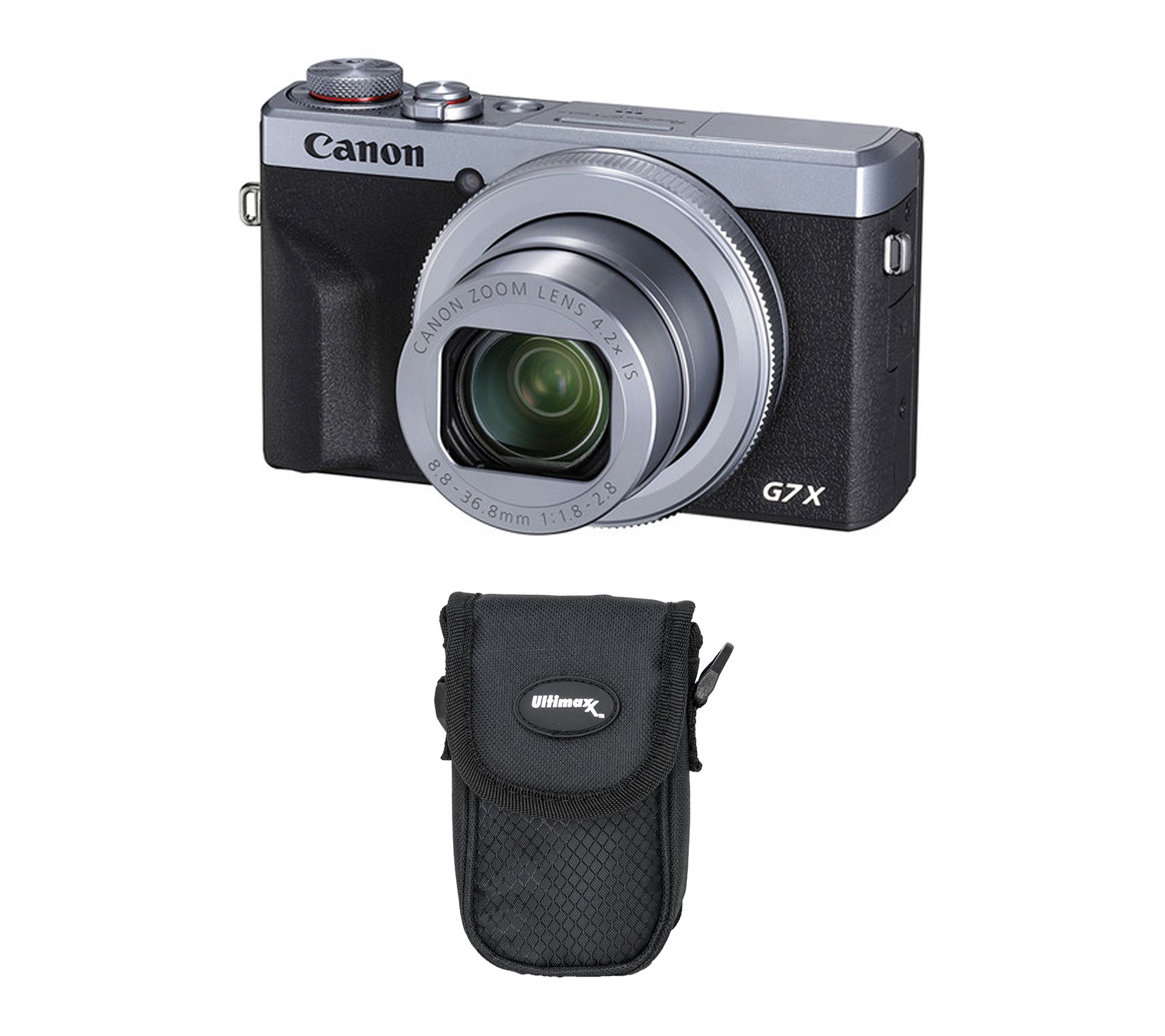
| Canon PowerShot G7 X Mark III | Vlogging, travel, vertical content | 1" sensor, bright lens, flip screen, UHD 4K30p, mic input, live streaming and vertical video support | Small camera, big upgrade over a phone, built for quick creator setups |
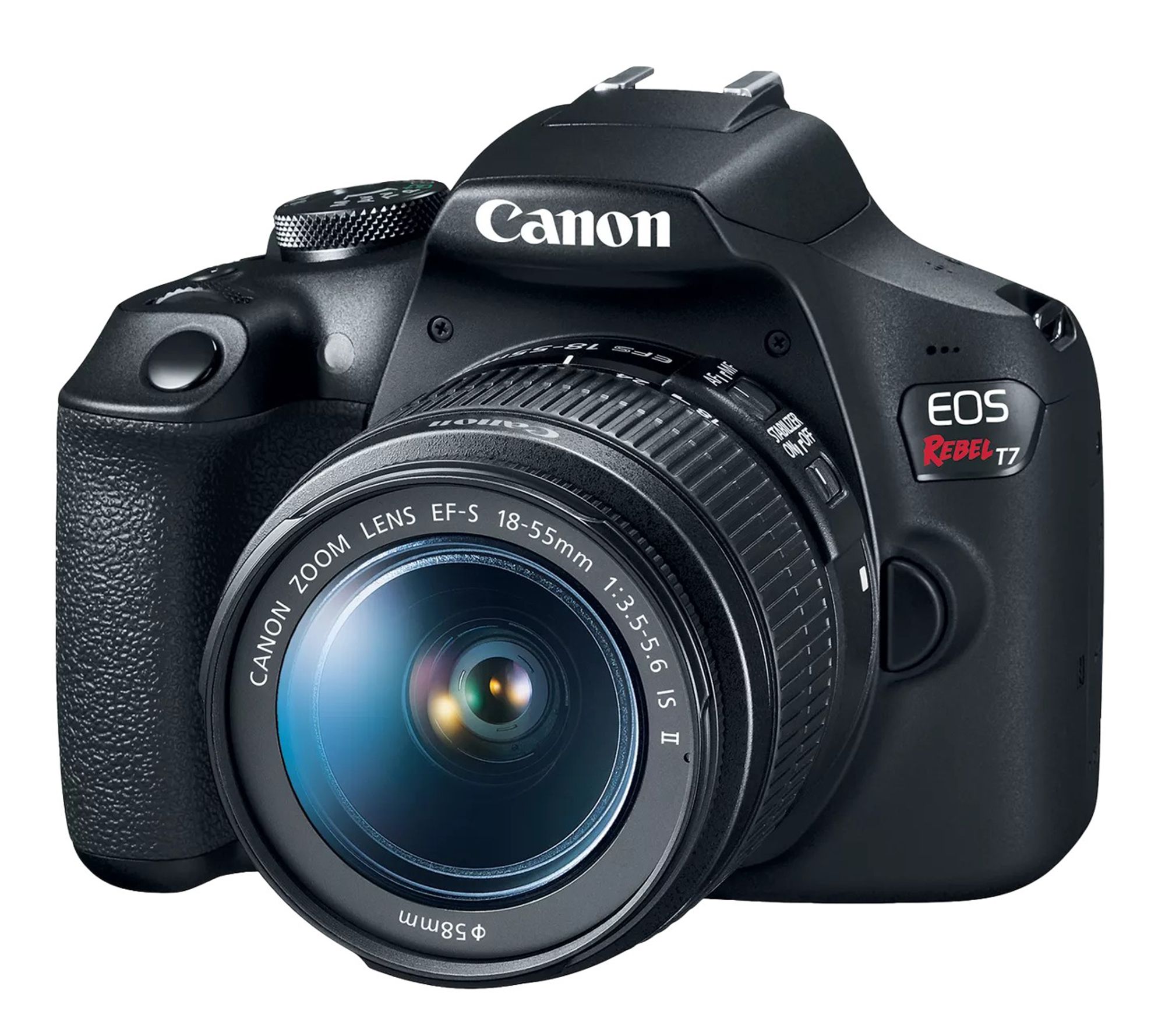
| Canon EOS Rebel T7 DSLR (18-55mm kit) | Budget photo-first creators | 24.1MP photos, Full HD 1080p, built-in Wi-Fi/NFC | Affordable entry into “real camera” look, best if video is not your main focus |
Why this bundle idea works right now
Most U.S. adults use YouTube, and it remains the most widely used platform in Pew Research Center’s recent survey data, which is a big reason creators keep investing in better production and faster editing workflows.
Better gear does not make you creative, but it removes friction. That is the whole point of an “ultimate bundle.”
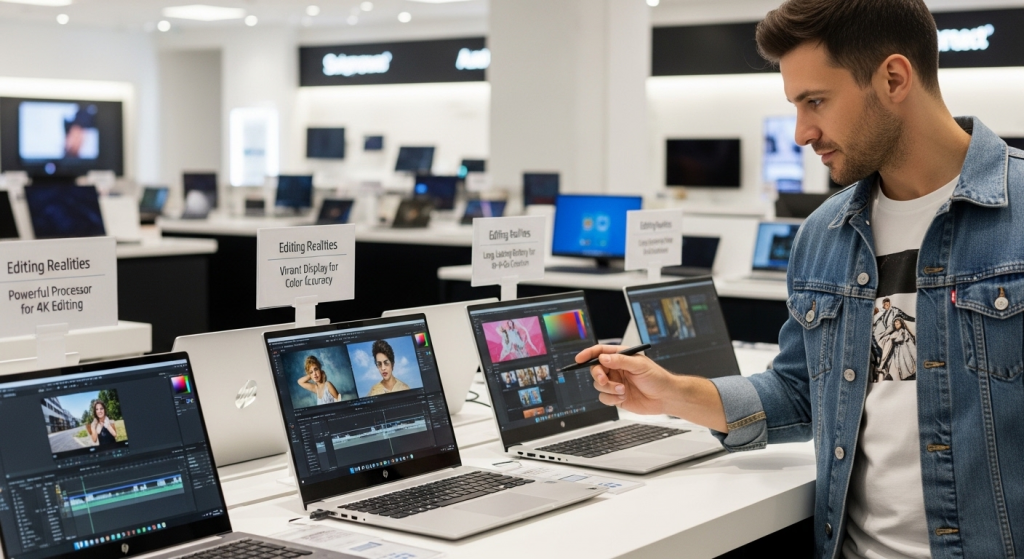
Pick the HP laptop that matches your editing reality
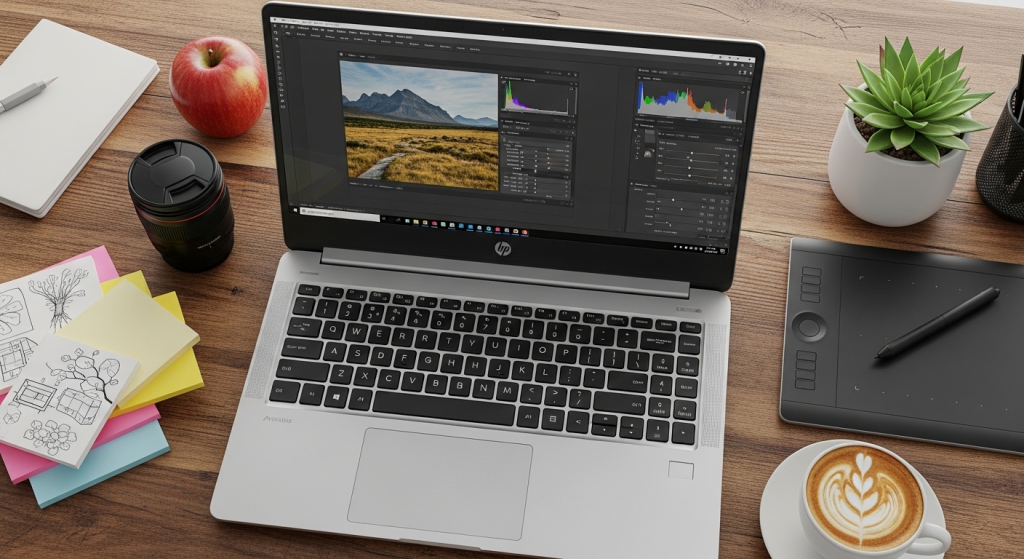
A creator laptop is not about brand hype. It is about three things that affect your day, every day.
Memory (RAM): the difference between smooth and painful
If you edit video, RAM matters fast. Adobe’s current guidance for Premiere Pro lists 16GB RAM recommended for HD, and 32GB or more for 4K workflows.
Simple rule:
- Mostly clips under 2 minutes, light edits, simple thumbnails, minimal multitasking, you can start smaller.
- Weekly uploads, longer videos, multiple browser tabs, lots of footage, aim for 16GB.
Storage: you will fill it faster than you think
Video files are huge. A 1TB SSD gives you breathing room for raw footage, exports, and backups without constantly deleting files. That is a key advantage of the HP 17" option in this guide.
Screen size: your eyes and your timeline will thank you
A larger display makes cutting clips and fine-tuning color easier, especially when you are learning.
Best pick for most creators in this bundle: the HP 17" Touch with 16GB RAM and 1TB SSD.
Choose the Canon camera based on your content style
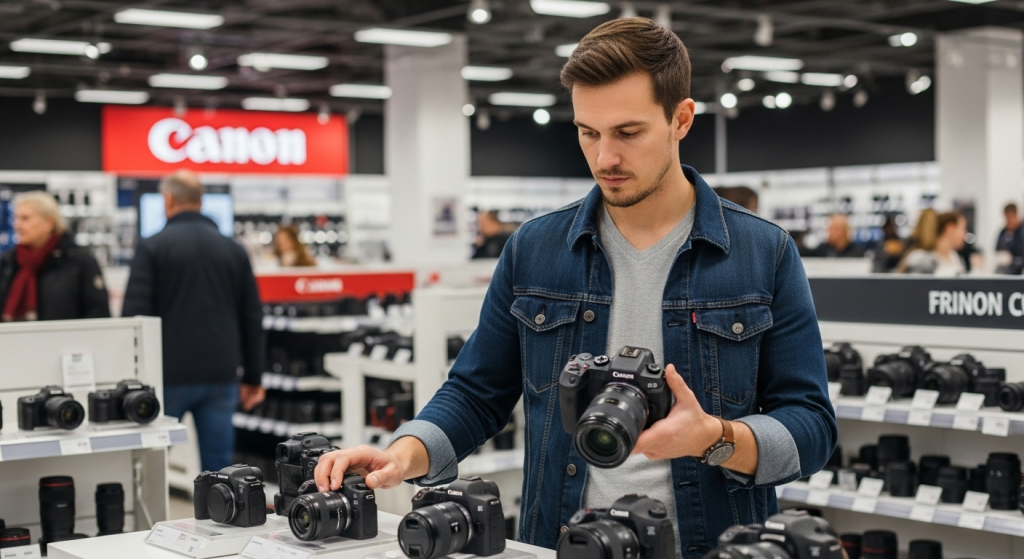
You do not need the “best camera.” You need the camera that fits how you actually create.
If you vlog, travel, or film yourself daily
Go compact. The Canon PowerShot G7 X Mark III is built for creator speed, with UHD 4K30p, a flip screen, mic input, plus live streaming and vertical video support.
If you want a long-term “grow into it” camera
The Canon EOS R10 is a strong all-around creator camera, with a 24.2MP APS-C sensor, UHD 4K, and a vari-angle touchscreen that makes self-shooting easier.
If you mainly want better photos on a budget
The Canon EOS Rebel T7 is a budget-friendly DSLR that captures 24.1MP photos and records 1080p video, plus it supports easy transfers with built-in Wi-Fi/NFC.
Build a simple workflow that keeps you consistent
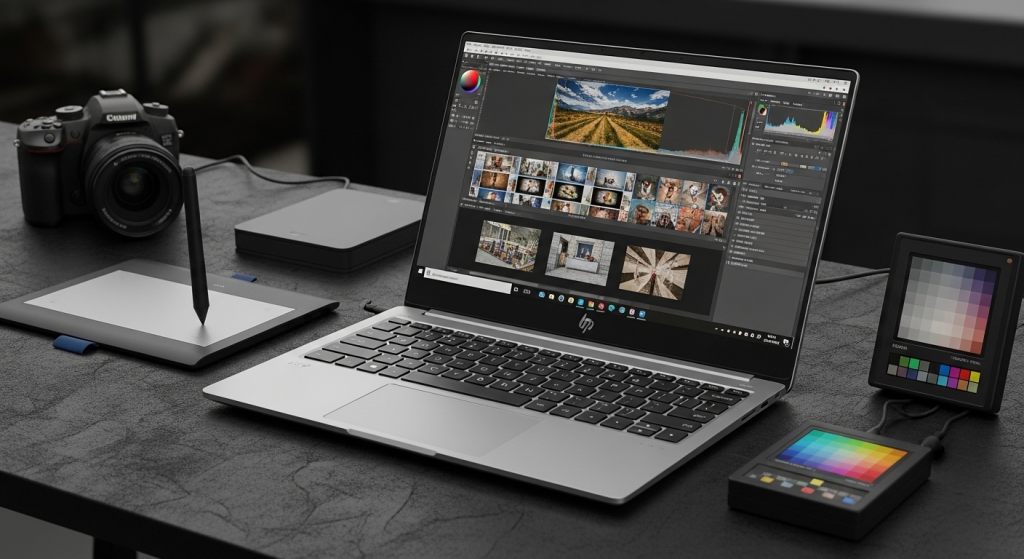
Creators quit when the process feels heavy. This is a lightweight flow you can repeat.
The 5-step creator workflow (shoot to publish)
- Film with a plan: record A-roll (talking), then B-roll (hands, product, screen).
- Back up immediately: copy footage to a folder named by date.
- Edit fast, not perfect: cut dead space, add simple titles, fix audio first.
- Export with intention: HD is fine for most, 4K is useful when you crop or want extra detail.
- Publish and recycle: pull 3 short clips from every long video.
If you record in 4K, remember it is literally more pixels, commonly 3840×2160 for UHD “4K,” which can add detail and flexibility but also increases file size and edit load.
The best pairings: which laptop + camera combo should you choose?
| Your situation | Best pairing from this bundle | Why it works |
|---|---|---|
| New creator, budget-first | HP 15.6" Touch (starter) + Canon Rebel T7 | Low-cost entry, strong photos, simple editing and planning |
| You want vlogging speed | HP 17" Touch (16GB, 1TB) + PowerShot G7 X Mark III | Fast file handling, portable camera, creator-friendly video features |
| You want the “grow with me” kit | HP 17" Touch (16GB, 1TB) + Canon EOS R10 | Balanced setup for photo and video as your channel gets bigger |
Deep dive: the 5 QVC products, what they’re best at, and what to watch for
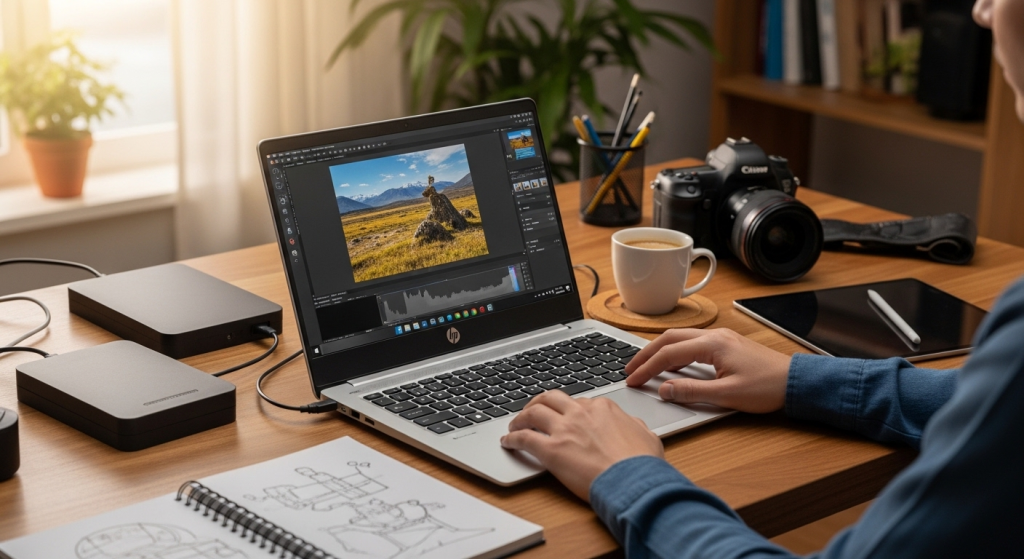
HP 17" Touch AMD Ryzen 5, 16GB RAM, 1TB SSD
This is the most creator-ready laptop in the list. It pairs a large screen with 16GB RAM and a 1TB SSD, which is the combo that keeps editing and file management from becoming a daily headache.
Why you will feel the difference
- Big screen helps with timelines and detail work.
- 1TB SSD means fewer “storage full” surprises.
- 16GB RAM aligns with what many video editing workflows expect for HD work.
Watch out for
- If you edit 4K constantly with heavy effects, you may eventually want 32GB, depending on your software and habits.
HP 15.6" Touch Intel N100, 4GB RAM, 128GB storage (bundle)
This is a starter-friendly option for creators who are mostly planning content, writing scripts, doing simple trims, and learning the basics. It includes a 15.6" touch display, Intel N100, 4GB RAM, and 128GB storage.
Where it shines
- Lightweight creator work: scripts, thumbnails, basic edits.
- Touchscreen can be handy for quick navigation.
Where it struggles
- 4GB RAM and 128GB storage can become tight quickly once you store video files or multitask.
If you choose this laptop, plan to use external storage early (an SSD), and keep your editing projects lean.
Canon EOS R10 Mirrorless (with RF-S 18-45mm lens)
If you want the creator camera that can take you from beginner to serious, the R10 is the “step-up” pick. QVC lists a 24.2MP APS-C sensor, UHD 4K video, a vari-angle touchscreen, plus high-speed shooting.
Why creators love this style of camera
- Mirrorless systems are flexible, and lenses let you change your look over time.
- A vari-angle screen makes self-filming easier.
Best for
- YouTube channels, product videos, lifestyle content, events, and hybrid work.
Canon PowerShot G7 X Mark III
This is the fast-start vlogging pick. QVC highlights UHD 4K30p, Full HD 120p, a flip touchscreen, plus mic input, live streaming, and vertical video support.
Why it is a smart creator tool
- You can film anywhere without building a big rig.
- Mic input helps you upgrade audio, which often matters more than sharper video.
Best for
- Vlogs, travel, creators who post daily, and short-form content.
Canon EOS Rebel T7 DSLR (18-55mm kit)
If your priority is photos and you want a real camera feel without a huge price jump, the Rebel T7 is a practical entry point. QVC notes 24.1MP photos, 1080p video, and built-in Wi-Fi/NFC for transfers.
Best for
- Beginner photographers, family content, hobby-to-creator transitions.
Limitations to know
- It is not the best “video-first” pick compared to the R10 or G7 X Mark III.
People also ask: quick, honest answers
Is 4GB RAM enough for video editing?
For very light edits and short clips, sometimes. For consistent editing, multitasking, and longer videos, 16GB is a safer baseline, and some 4K workflows benefit from 32GB or more.
Do I need 4K to be a “real” creator?
No. HD is still common. 4K helps when you want extra detail or want to crop, but it increases file size and editing load.
Should I buy a mirrorless camera or a DSLR?
If video is a big part of your plan, mirrorless options like the EOS R10 are often more future-friendly. If you mainly want better photos on a budget, a DSLR like the Rebel T7 can still be a good starter.
Conclusion: your next best move
The “HP Laptop & Canon Camera: The Ultimate QVC Creator Bundle” is not about chasing perfection. It is about picking tools that remove friction so you can publish more often.
If you want the most balanced creator setup from these picks, start with the HP 17" Touch (16GB, 1TB) and choose either the Canon EOS R10 (grow-with-you hybrid) or the PowerShot G7 X Mark III (vlogging speed).
Then commit to one simple habit: create one video, and repurpose it into three short clips every week.
The responses below are not provided, commissioned, reviewed, approved, or otherwise endorsed by any financial entity or advertiser. It is not the advertiser’s responsibility to ensure all posts and/or questions are answered.