

Trading can feel frustrating when your platform is slow, your charts feel cramped, or your costs are unclear. If that sounds familiar, you do not need a “secret strategy.” You need a better setup.
This guide will help you Upgrade your trading experience by doing two things:
- Choosing a broker whose tools match your style
- Building a simple workflow you can repeat without stress
You will also get a direct comparison of IG with two similar, widely used brands: CMC Markets and Saxo Bank.



Quick snapshot: IG vs CMC Markets vs Saxo Bank
| Broker | Best for | Standout strengths | Watch-outs |
|---|---|---|---|
| IG | Active traders who want platform choice (web, app, MT4, ProRealTime, APIs) | Multiple platform options, API access, large scale, strong reported uptime | Products and pricing vary by region, leveraged products carry high risk |
| CMC Markets | CFD focused traders who want a strong proprietary platform and tight FX pricing options | Large instrument count, FX Active pricing option, platform + MT4/MT5 + TradingView integration | CFD risk is high, product availability varies by country |
| Saxo Bank | Traders and investors who want broad market access and pro grade tools (bank backed) | Multi asset access, strong risk tools, bank license and supervision | Pricing depends on plan and region, some tools are best on desktop |
What Upgrade your trading experience actually means
For most people, upgrading is not about trading more. It is about reducing friction and mistakes.
A real upgrade usually looks like this:
- You can find the markets you trade in seconds, not minutes.
- You know your main costs before you click buy or sell.
- You have 2 to 3 risk controls that are always on.
- You review trades in a repeatable way, even when you are busy.
If you want to Upgrade your trading experience, start with the broker decision, then build your workflow.
Choose the right broker for your style

Step 1: Match the broker to your trading personality
Ask yourself which one sounds most like you:
A) “I want flexibility and tools.”
You want choices like MT4, advanced charting, and possibly APIs for automation. IG is built around multiple ways to trade, including MT4, ProRealTime, and APIs.
B) “I mostly trade CFDs and I want a powerful platform.”
CMC Markets positions its platform around CFD trading, with a large instrument range and platform integrations (including MT4/MT5 and TradingView in many regions).
C) “I want broad market access, pro tools, and a bank brand.”
Saxo emphasizes multi device platforms, advanced order tools, and risk modules like Depth Trader and time and sales on desktop.
Step 2: Use trust signals that are easy to verify
You do not need to read 100 reviews. Check a few hard signals:
1) Regulation and licensing
- CMC Markets UK plc states it is authorised and regulated by the FCA and lists its FCA registration number (173730).
- IG entities appear on the FCA register (example: IG Trading and Investments Limited).
- Saxo states it is supervised by the Danish Financial Supervisory Authority and notes its banking license history.
2) Scale and stability signals
IG reports 820,000 active customers and 100% platform uptime in its Annual Report 2025 summary, plus FY2025 total revenue and profit before tax figures.
Saxo reported DKK 853 billion in total client assets and 1,286,000 total clients in its 2024 results article, and later announced surpassing 1.5 million clients.
CMC highlights being established in 1989 and having 1M+ global clients on its site materials (exact definitions can vary by region).
A practical comparison that matters day to day

1) Platforms and charting: how you will actually trade
IG
- Offers a web platform and mobile app, plus MT4, ProRealTime, and API options for more advanced setups.
- If you like building indicators, scanning charts, or exploring automation, IG’s menu of tools is a real advantage.
CMC Markets
- Offers its proprietary platform and app, plus MetaTrader options, and highlights access to a very large instrument list (often cited around 12,000, depending on region).
- If you want one main platform with lots of markets, CMC tends to fit.
Saxo Bank
- Strong multi device platform lineup (web, mobile, desktop), with pro modules like Depth Trader and time and sales data highlighted for desktop users.
Mini takeaway:
If platform variety and automation matter most, lean IG. If you want a strong CFD platform with broad instruments, look at CMC. If you want pro workstation tools and multi asset access, Saxo stands out.
2) Pricing signals: spreads and commissions you can sanity check
Fees change by region and account type, so focus on what each broker clearly discloses.
- IG states that minimum MT4 forex spreads can start at 0.6 on EUR/USD (and notes spreads are variable).
- CMC describes its FX Active offering with spreads from 0.0 pips on major FX pairs, with a stated commission model.
- Saxo provides a public pricing overview and commission schedules across products (example: “commissions from $1” on US stocks on its pricing pages, specifics vary by plan and region).
Rule of thumb: the “best pricing” is the pricing that fits what you trade most. A tight FX offer is great if you trade FX. If you trade stocks, options, or futures more often, the commission schedule matters more.
Build a smarter trading setup (that upgrades results without more effort)
Here is a simple workflow that helps most traders Upgrade your trading experience quickly.
Step 1: Create a two screen layout (even if you only have one screen)
Your goal is to separate thinking from executing.
Workspace A: Analysis
- One main chart
- Higher timeframe chart
- News or calendar check (5 minutes max)
Workspace B: Execution
- Order ticket
- Position sizing notes
- Open positions panel
Saxo’s desktop platform emphasizes modular workspaces and multi screen setups.
IG and CMC also support web and mobile workflows, but desktop layouts are often easier for detailed execution.
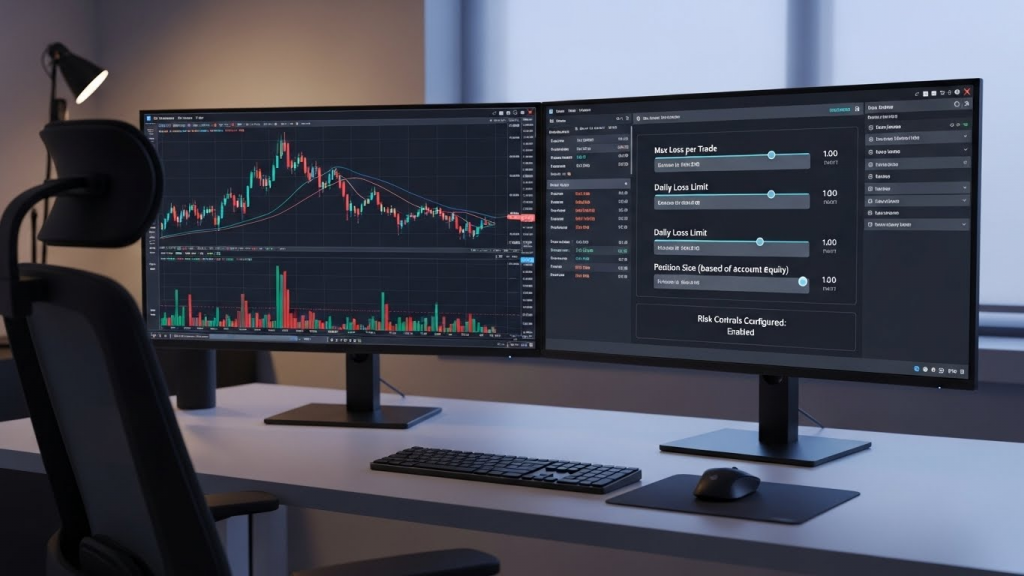
Step 2: Set 3 default risk controls
If you only do one thing after reading this guide, do this.
- Hard stop-loss on every trade
- Daily loss limit (a number that stops you from spiraling)
- Position size rule (example: never risk more than 1% of your account on a single idea)
If you trade leveraged products like CFDs, the risk is not theoretical. IG includes a clear CFD risk warning on its site, stating a high percentage of retail accounts lose money trading CFDs with the provider.
Step 3: Use alerts so you do not stare at charts all day
Price alerts reduce stress and reduce impulsive entries.
- Saxo highlights continuous background monitoring alerts and desktop risk tools.
- Most major platforms offer alerts, set them around levels that matter and walk away.
Step 4: Journal in 3 minutes, not 30
Your journal should be easy enough that you actually do it.
Use this template:
- Setup type:
- Entry reason (one sentence):
- Stop and target:
- Did I follow my rule (yes/no):
- One improvement:
Manage risk like a pro (even if you are a beginner)

A lot of people try to upgrade by adding indicators. A bigger upgrade is risk clarity.
The 4 questions to ask before every trade
- What would prove me wrong? (your stop)
- How much will I lose if wrong? (position size)
- What is my realistic upside? (target)
- Is this trade worth taking today? (mental state and market conditions)
If your platform helps you set stops, alerts, and sizing quickly, you will trade better with less effort.
Which broker should you choose?

Here is a simple “best fit” guide:
Choose IG if you want flexibility and advanced tooling
- You want multiple platform choices, including MT4, ProRealTime, and APIs.
- You like the idea of growing into automation or custom tooling over time.
IG also reports large scale metrics like 820,000 active customers and 100% uptime in its FY2025 report summary.
Choose CMC Markets if you want a strong CFD platform and tight FX options
- You care about platform experience and a large set of instruments.
- You want an FX pricing option like FX Active (where available).
CMC also provides clear regulatory info for its UK entity, including FCA registration details.
Choose Saxo Bank if you want multi asset access with a bank backed brand and pro tools
- You want a platform that scales from investing to advanced trading.
- You like desktop features such as Depth Trader and richer order flow style tools.
Saxo also states its banking license and Danish FSA supervision details on its legal pages.
Cost and feature checklist (use this before you open an account)
To Upgrade your trading experience without guessing, check these items on the broker site for your region:
Market access
- Do they offer the products you actually trade (FX, indices, stocks, options, futures)?
- Are those products CFDs, or the underlying asset?
Pricing
- Typical spread or commission for your top 3 markets
- Financing or overnight fees if you hold positions longer than a day
Platform fit
- Mobile quality if you trade on the go
- Desktop tools if you do detailed chart work
- API availability if you want automation (IG offers trading APIs)
Safety
- Regulator details you can verify (FCA register, Danish FSA supervision statements)
Conclusion: your next step

If you want to Upgrade your trading experience, do not start by changing your strategy. Start by removing friction.
- Pick a broker whose platform matches how you trade: flexibility (IG), CFD platform breadth (CMC), or multi asset pro workstation tools (Saxo).
- Set 3 default risk controls so one bad day does not become a bad month.
- Use alerts and a short journal so you stay consistent.
Action step (10 minutes):
Open each official platform page, then write down (1) your top 3 markets, (2) the disclosed spread or commission for those markets, and (3) the one platform feature you will actually use weekly.
That small check is often the fastest way to Upgrade your trading experience.
The responses below are not provided, commissioned, reviewed, approved, or otherwise endorsed by any financial entity or advertiser. It is not the advertiser’s responsibility to ensure all posts and/or questions are answered.