
Looking for an HP 17-inch laptop review that actually helps you choose? Here is a clear, student-focused breakdown of three QVC HP 17-inch models, who should buy them, who should skip them, and which one makes the smartest graduation gift in 2026.
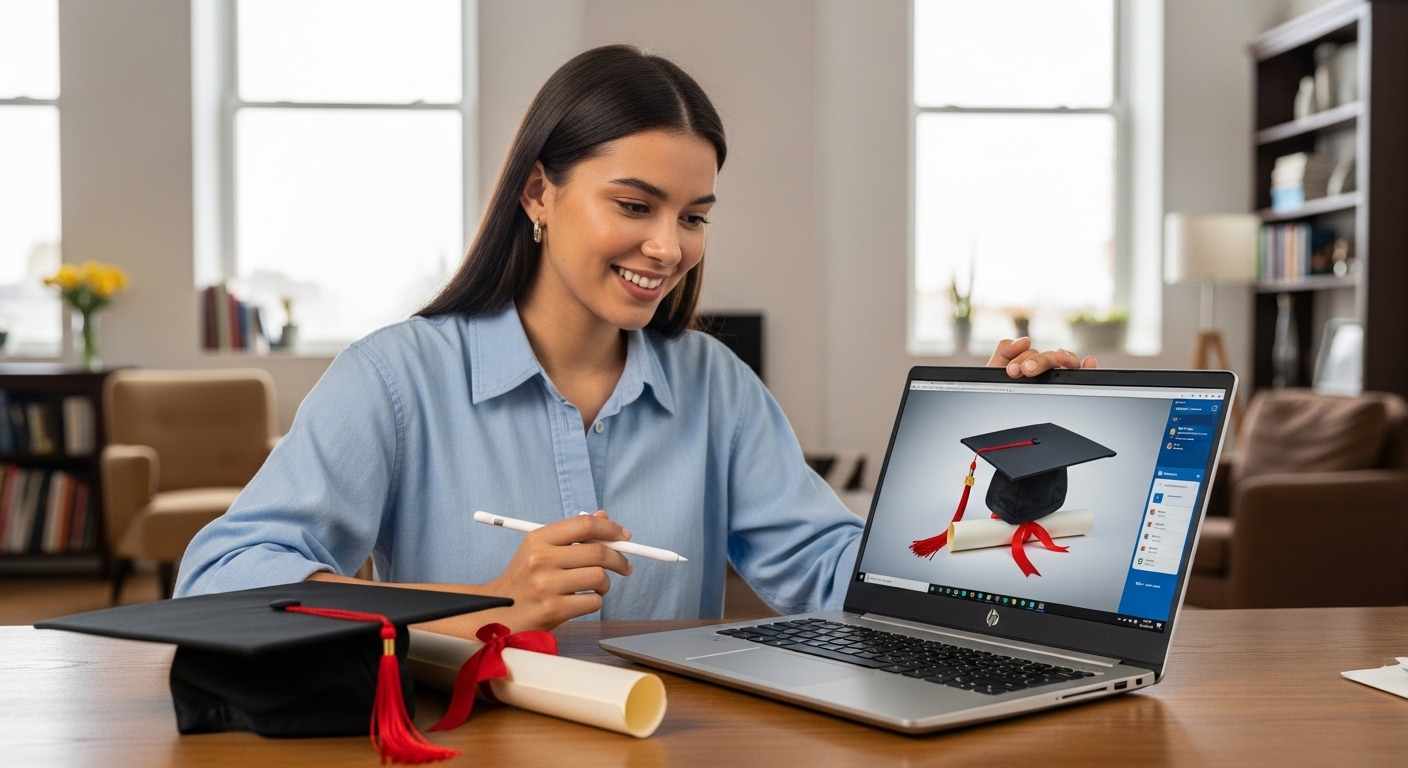
Graduation gifts are getting more practical, and for good reason. The National Retail Federation said graduation gift spending was expected to hit a record $6.8 billion in 2025. At the same time, Pew found that more than half of U.S. teens have used chatbots for schoolwork, and 57% have used them to search for information. That means a student laptop in 2026 is not just a nice extra, it is a daily academic tool.
That is why this HP 17-inch laptop review matters. A big-screen laptop can be a smart graduation gift for note-taking, spreadsheets, research, streaming, and managing campus life. But not every 17-inch HP configuration is equally good for college. Based on current QVC listings, the entry model looks affordable, the mid-tier model looks usable, and the Ryzen 5 version looks like the one most students should actually want.
The quick verdict
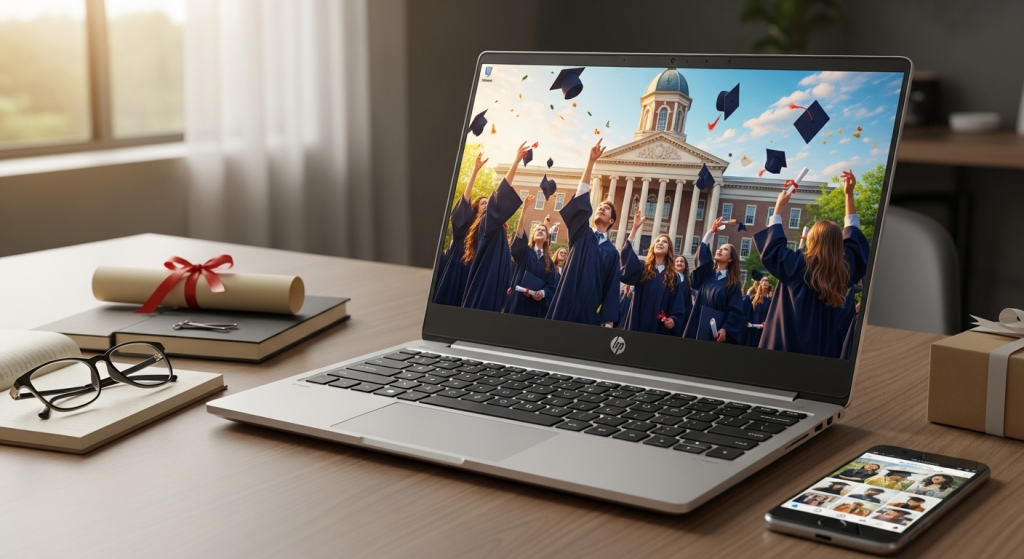
If you want the short version, here it is. The HP 17-inch format is appealing because it gives students a roomy 17.3-inch touchscreen, a full-size backlit keyboard with numeric keypad, Wi-Fi 6, HDMI, USB-C, and a bundled year of Microsoft 365. That is a solid mix for business majors, online learners, commuters who mostly work at home, and families shopping for practical graduation tech gifts.
But the base configuration is too weak for what many colleges now recommend. Boston University lists 8GB RAM and 256GB SSD as its minimum student recommendation, with 16GB and 512GB+ preferred for heavier work. JMU and UConn show a similar pattern, with 8GB and 256GB as minimum territory, and 16GB and 512GB as the better long-term target.
So my answer is simple: the HP 17-inch laptop can be a good student buy in 2026, but only in the right configuration.
QVC comparison, 3 similar HP laptops
The specs below are summarized from current QVC product pages and QVC category listings.
| Model | CPU | RAM | Storage | Display | Battery claim | Weight | Best for | My take |
|---|---|---|---|---|---|---|---|---|
| HP 17 N100 | Intel N100 | 4GB | 128GB UFS | 17.3-inch touch, 1600x900 | Up to 10 hrs video | 4.84 lbs | Very light browsing, email, basic docs | Too limited for most students |
| HP 17 Ryzen 3 | AMD Ryzen 3 7320U | 8GB | 256GB SSD | 17.3-inch touch, 1600x900 | Up to 11 hrs 45 min video | 4.82 lbs | General college use, essays, browser tabs, streaming | The minimum I would consider |
| HP 17 Ryzen 5 | AMD Ryzen 5 7520U | 16GB | 1TB SSD | 17.3-inch touch, 1600x900 | Up to 12 hrs 30 min video | 4.82 lbs | Multitasking, longer ownership, better value over time | Best overall pick |
What this HP 17-inch laptop gets right
The biggest selling point is obvious: space. A 17.3-inch screen is easier on the eyes than a cramped 13-inch or 14-inch display, especially for split-screen work, spreadsheets, lecture slides, and research tabs. The keyboard is also more student-friendly than many thin laptops because it includes a numeric keypad. If the grad is going into business, accounting, education, or any major that involves lots of writing and web work, that big layout is genuinely useful.
QVC’s bundles also include a one-year Microsoft 365 Personal subscription, which adds real value for students who will be living in Word, Excel, and PowerPoint. That makes this laptop easier to justify as one of the more useful best laptops for students 2026 candidates in the budget and midrange space.
I also like that all three current models include modern basics such as Wi-Fi 6, Bluetooth 5.4, USB-C, two USB-A ports, HDMI, a webcam, a privacy shutter or privacy features, and Windows 11. Those are not luxury extras anymore. They are table stakes for remote classes, Zoom calls, printing, file transfer, and dorm-room practicality.
Where the HP 17-inch starts to fall short
The biggest weakness is display resolution. All three QVC models listed here use a 1600x900 panel, not Full HD 1920x1080. On a 17.3-inch screen, that matters. Text is still readable, but the screen is not as sharp as what many buyers now expect. It is fine for essays and Netflix. It is less exciting for photo work, detailed design tasks, or anyone who stares at tiny text all day.
The second weakness is portability. These systems weigh about 4.8 pounds. That is manageable, but not exactly backpack-friendly if the student walks campus all day. A 17-inch laptop makes more sense for students who study at home, commute by car, or value screen size more than light travel. If the grad wants something to carry to three buildings a day, a 14-inch or 15-inch option may feel easier.
The third weakness is configuration risk. The Intel N100 version technically meets Windows 11 minimum requirements because Microsoft only requires 4GB RAM and 64GB storage. But minimum is not the same as comfortable. Microsoft’s own Copilot+ PC baseline starts at 16GB RAM and 256GB storage, and several universities recommend 8GB to 16GB RAM with 256GB to 512GB SSD storage for students. In other words, the base HP 17 clears the floor, but it does not hit the sweet spot.
That distinction matters even more now because students are increasingly using AI tools for research, summarizing, and schoolwork help. More tabs, more apps, more multitasking, more background processes, that all pushes 4GB systems into frustration faster than it used to.
HP 17-inch laptop review by configuration
HP 17 N100, 4GB RAM, 128GB
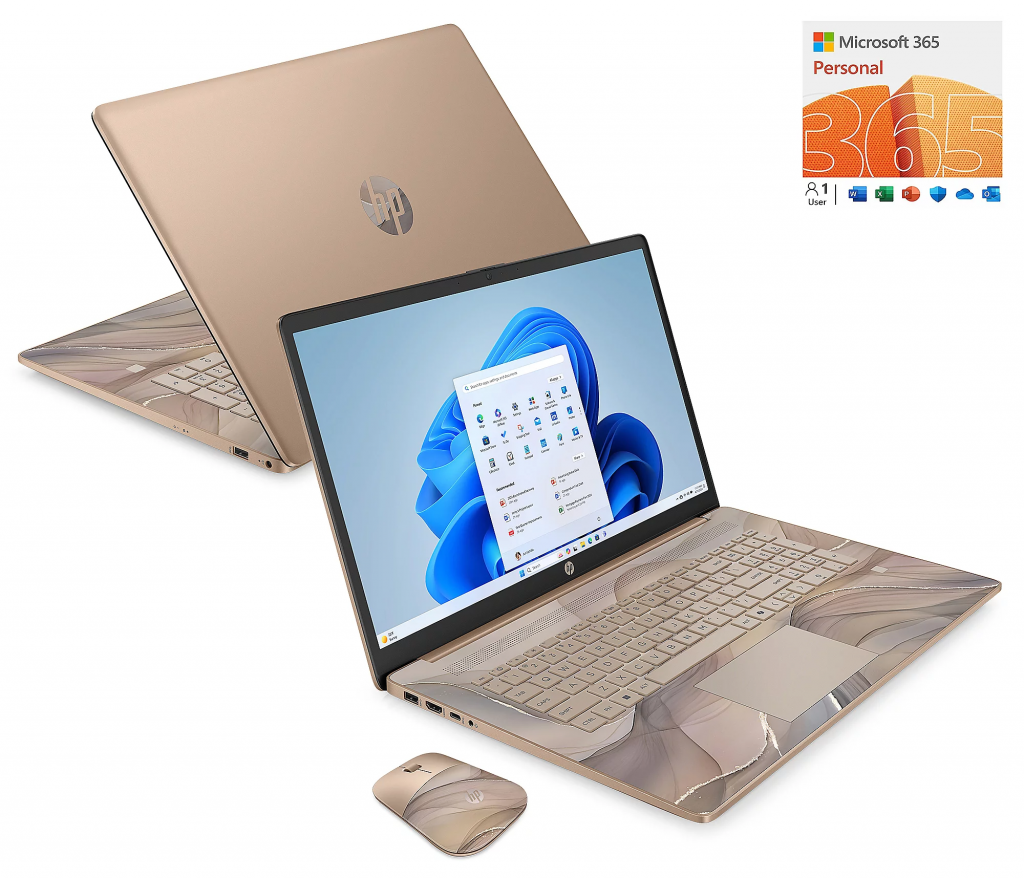
This is the model I would skip for most college students. QVC lists it with an Intel N100 processor, 4GB RAM, and 128GB of UFS storage. Yes, it has a big touchscreen, Windows 11 Home in S Mode, Wi-Fi 6, a backlit keyboard, fingerprint reader, and one year of Microsoft 365. QVC also lists it at $469 with 63 reviews on its HP laptops page and electronics best-sellers page.
The problem is not that it will fail to boot. The problem is that it will age fast. Four gigabytes of RAM is simply too narrow for the way most students actually work in 2026. Browser tabs, Zoom, OneDrive sync, a PDF, Spotify, and AI tools can eat that up quickly. If the buyer absolutely must stay at the lowest price, this can work for very light use. But I would not call it one of the best laptops for students 2026 unless the student mainly uses cloud apps and has extremely modest needs.
HP 17 Ryzen 3, 8GB RAM, 256GB SSD
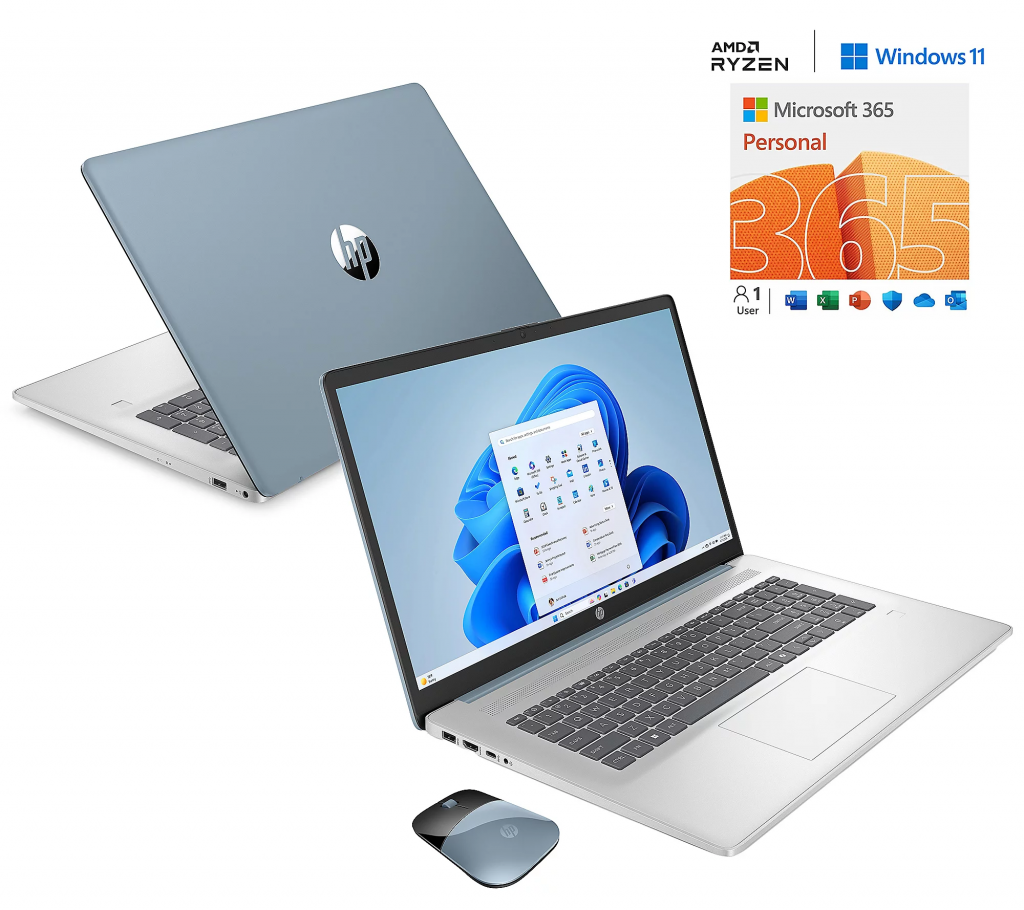
This is the baseline that starts to make sense. The Ryzen 3 model moves up to 8GB RAM and a 256GB NVMe SSD, which puts it in line with the minimum recommendations from BU, JMU, and UConn. It still gives you the same big screen, touchscreen, backlit keyboard, Wi-Fi 6, fingerprint reader, and Microsoft 365 bundle. QVC says battery life can reach up to 11 hours and 45 minutes of video playback.
For general studies, liberal arts, education, business basics, and everyday college work, this is good enough. It is not exciting, but it is practical. If the student mostly writes papers, joins video calls, uses spreadsheets, and streams content, the Ryzen 3 version can do the job without feeling instantly outdated. My hesitation is that 8GB is the new minimum, not the new ideal. So this is the safe budget pick, not the best long-term one.
HP 17 Ryzen 5, 16GB RAM, 1TB SSD
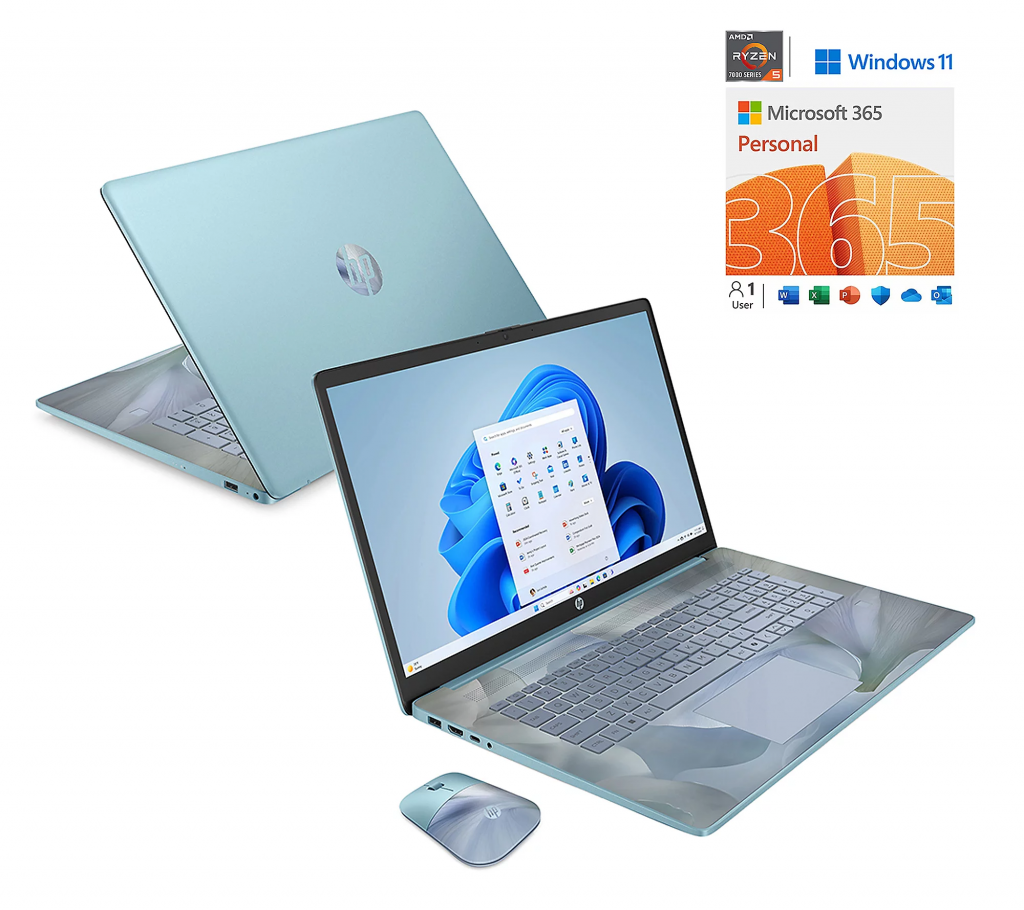
This is the model I would buy. The Ryzen 5 version jumps to 16GB LPDDR5 RAM and a 1TB NVMe SSD, which is far closer to what many colleges prefer for a smoother four-year experience. It also carries the same 17.3-inch touchscreen, backlit keyboard, numeric keypad, Wi-Fi 6, Bluetooth 5.4, and Microsoft 365, with QVC claiming up to 12 hours and 30 minutes of video playback. QVC’s best-sellers page showed this bundle at $749.98, and a QVC forum post discussing the same TSV also listed it at $749.98.
For a graduation gift, this one makes the most sense because it has room to grow. The extra RAM helps with multitasking. The 1TB SSD gives the student breathing room for lecture recordings, files, media, and software. It is still not the right machine for advanced 3D modeling or engineering graphics, but it is the strongest choice here for mainstream college life. That is why this is my winner in this HP 17-inch laptop review.
Is it really one of the best laptops for students 2026?
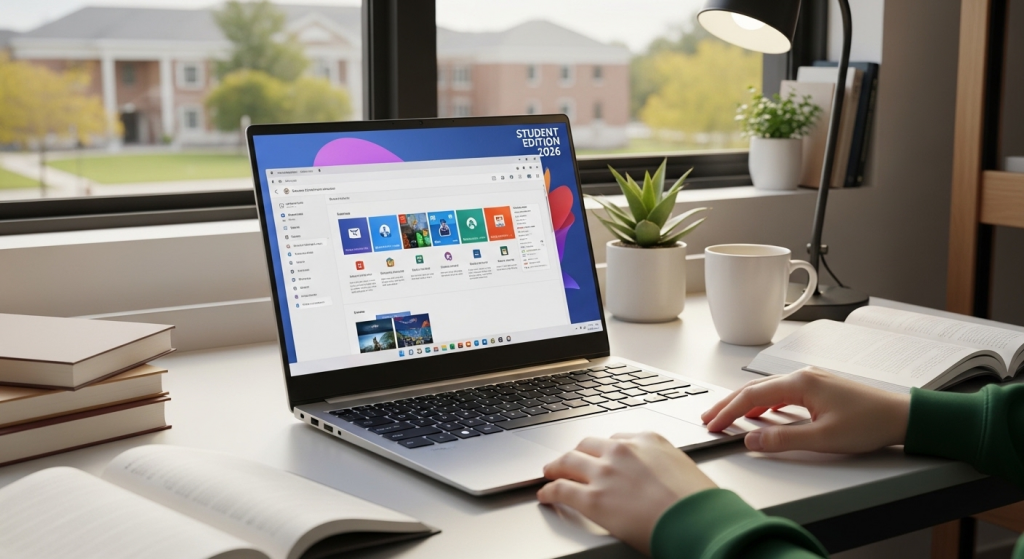
Yes, but only for the right student.
If the student’s workload is mostly browser-based, document-heavy, and productivity-focused, the Ryzen 5 HP 17 is a strong value-oriented laptop. It gives the student a large screen, usable keyboard, current Windows support, and enough memory and storage to feel comfortable for everyday campus work. It is also a sensible fit for parents shopping for dependable graduation tech gifts that will actually be used every day.
If the student is entering architecture, engineering, or other graphics-intensive programs, I would not recommend any of these three. For example, the University of Illinois School of Architecture recommends 32GB RAM, 1TB to 2TB NVMe SSD storage, and dedicated NVIDIA RTX graphics for complex workloads. JMU’s engineering guidance is similarly far above these QVC HP 17 bundles.
That is the key buying lesson. Do not buy a laptop by screen size alone. Buy it by major, software load, and how the student will actually use it.
A smart caution about older Windows 10 bundles
QVC’s HP laptop category page also shows a 17-inch “Gold Luxe” model that runs Windows 10. I would pass on that immediately. Microsoft says Windows 10 reached end of support on October 14, 2025. A student starting college in 2026 should not begin with an older Windows 10 machine unless there is a very specific reason and a clear upgrade plan.
Final recommendation
If you are choosing between these three QVC models, here is the clearest answer:
The HP 17 Ryzen 5, 16GB RAM, 1TB SSD is the best pick. It is the one that feels most aligned with current student recommendations, modern multitasking, and four-year usefulness.
The HP 17 Ryzen 3, 8GB RAM, 256GB SSD is acceptable if budget matters and the student’s workload is light to moderate.
The HP 17 N100, 4GB RAM, 128GB is the one I would avoid for most college students, even if the price looks tempting. It is too close to the bare minimum.
So, is the HP 17-inch laptop a good graduation gift? Yes, in the Ryzen 5 version especially. It is not the flashiest present, but it may be the most useful one the student opens all year.
The responses below are not provided, commissioned, reviewed, approved, or otherwise endorsed by any financial entity or advertiser. It is not the advertiser’s responsibility to ensure all posts and/or questions are answered.