

This mini photo printer review compares the HP Sprocket with two similar QVC photo printers for instant mobile printing, travel journaling, scrapbooking, and memory keeping.
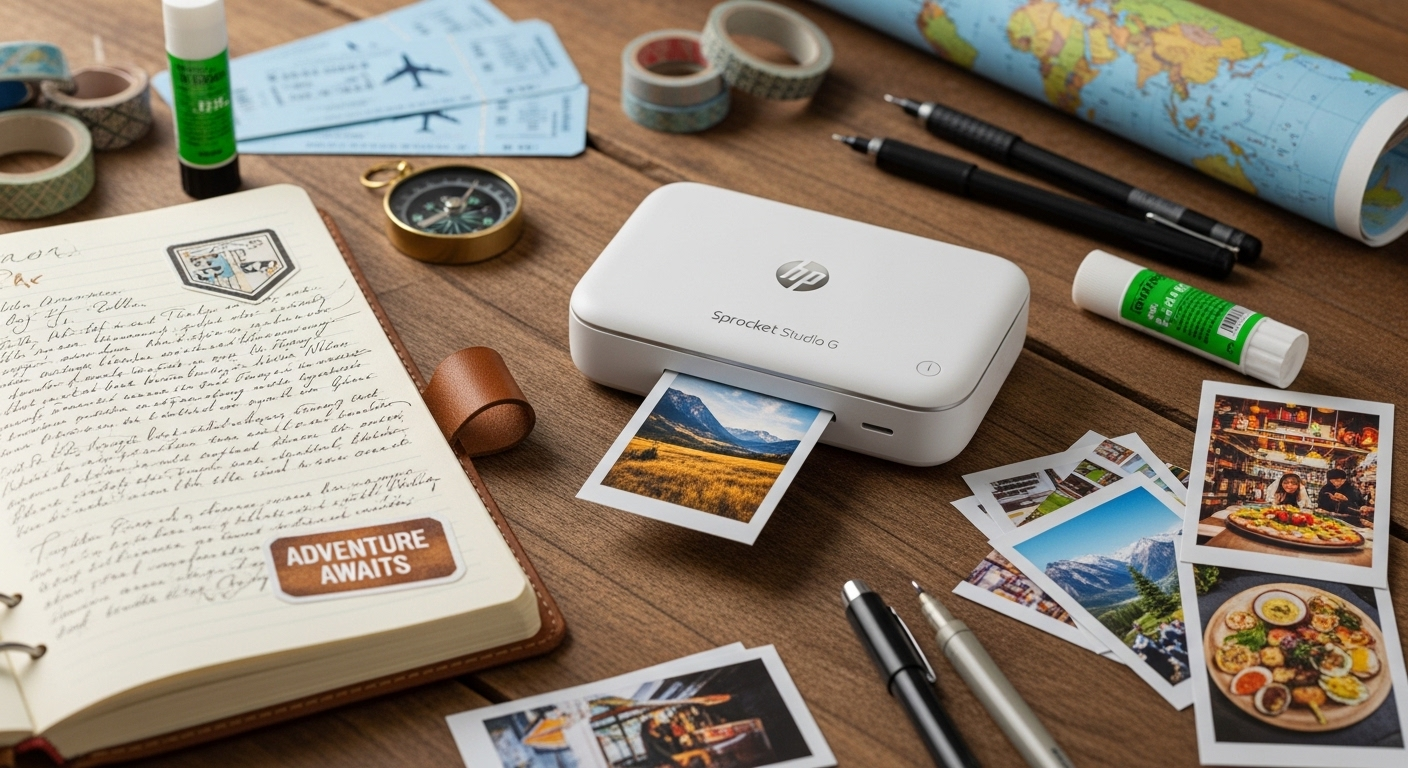
Your Best Travel Photos Deserve More Than a Camera Roll
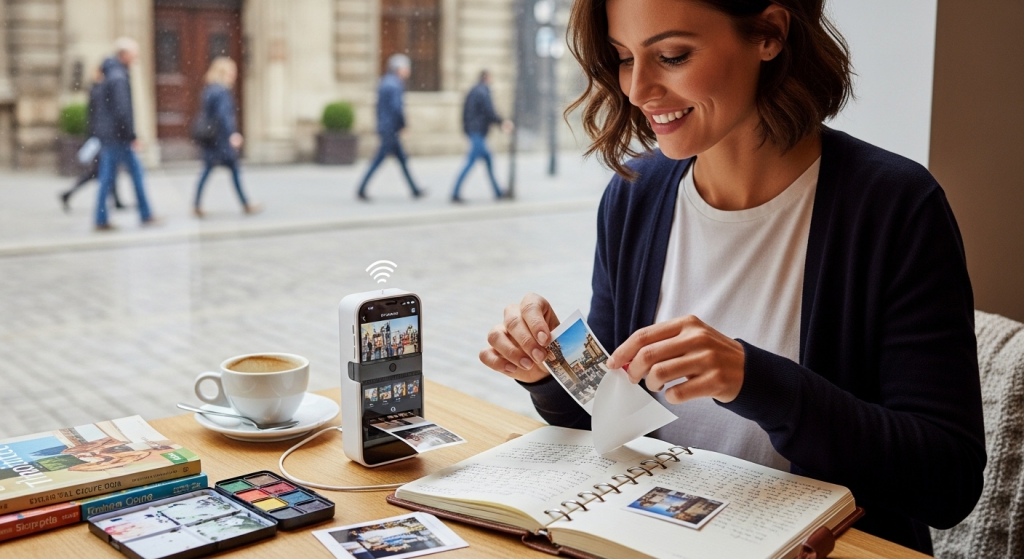
Most trips end the same way: hundreds of photos on your phone, a few posts on social media, and a camera roll you promise to organize later.
Then life gets busy.
That sunset dinner, museum ticket, beach selfie, and handwritten café receipt slowly get buried under screenshots, work photos, and random downloads.
That is why mini photo printers have become such useful travel journaling tools. They turn your favorite phone pictures into small, physical prints you can stick into a notebook, scrapbook, planner, or postcard in minutes.
This Mini photo printer review focuses on the HP Sprocket, one of the most popular pocket-size options for instant mobile printing. We will also compare it with two similar QVC products: the Kodak Step Wireless Instant Photo Printer and the Canon SELPHY CP1500 Compact Photo Printer.
The goal is simple: help you decide which printer fits your travel style, your journaling habits, and your budget.
Mini Photo Printer Review: What Makes the HP Sprocket Travel-Friendly?
The HP Sprocket is built for people who want quick, fun, low-effort prints from their smartphone.
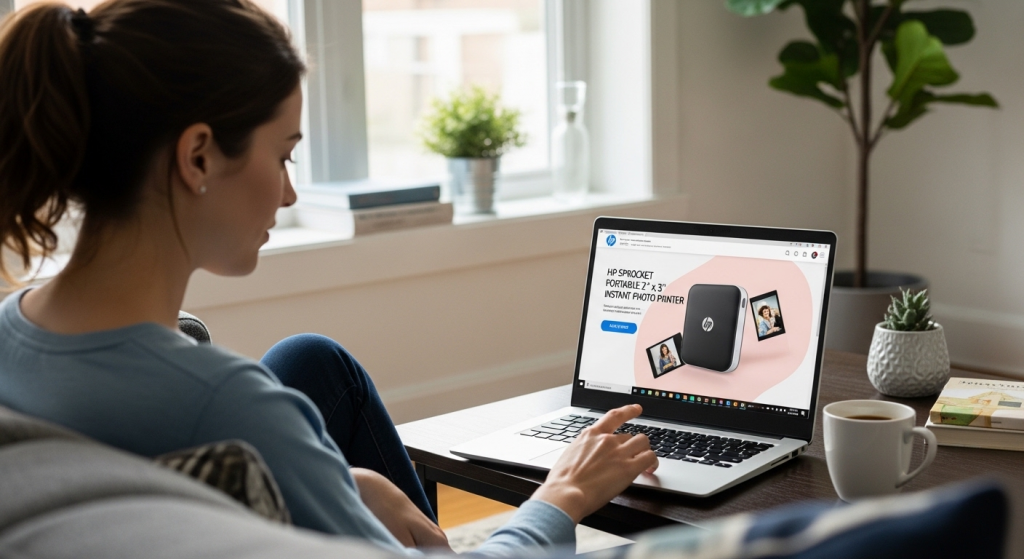
QVC’s HP Sprocket Portable 2" x 3" Instant Photo Printer includes the second-edition Sprocket printer, a USB cable, and a five-pack of glossy sticky-back paper. It uses Bluetooth 5.2, Zink Zero Ink technology, and prints 2" x 3" photos from a smartphone or social media. QVC lists it as compatible with iOS 10+ and Android 5+, and the device measures about 4.33" x 2.99" x 0.79".
That size matters.
For travel journaling, a printer should be small enough to pack without feeling like another gadget you regret bringing. The HP Sprocket is close to phone-sized, so it can fit in a tote, carry-on pocket, or desk drawer.
It prints on sticky-back paper, which makes it useful for:
- Travel journals
- Scrapbooks
- Vision boards
- Kids’ trip diaries
- Wedding guest books
- Party favors
- Photo walls
- Luggage tag inserts
- Memory boxes
The biggest appeal is speed and simplicity. You take a photo, open the app, edit or decorate it, print it, peel the backing, and stick it where you want it.
That makes the HP Sprocket less like a traditional printer and more like a creative tool.
Why Instant Mobile Printing Still Matters in a Digital World
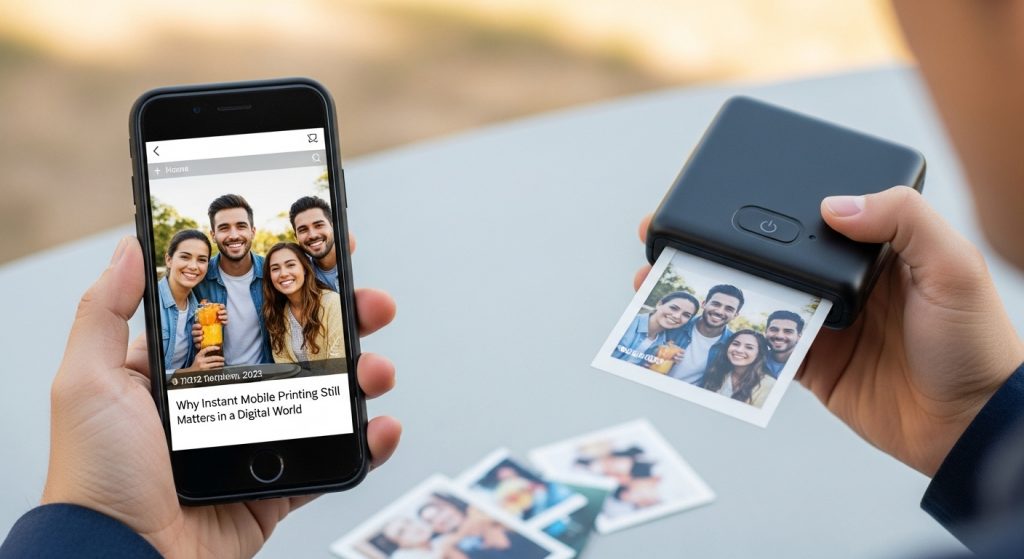
Digital photos are easy to take, but they are also easy to forget.
DataReportal’s April 2026 global overview reports 5.79 billion active social media user identities worldwide, equal to 69.9% of the global population. That shows how much of modern memory-sharing happens online, but it also highlights the problem: photos are constantly being uploaded, scrolled past, and replaced.
The Library of Congress recommends identifying, organizing, selecting, copying, and safely storing important digital photos as part of personal photo archiving. In other words, memories need a system if you want them to last.
A mini printer helps with the “selecting” part.
When you print only the best photo from a day in Paris, a road trip stop in Arizona, or a family beach walk, you are making a small editorial choice. You are saying, “This moment matters.”
That is what makes instant mobile printing useful. It slows the memory down.
A printed photo can sit beside a ticket stub, a restaurant receipt, a pressed flower, or a handwritten note. That context is hard to recreate later from a phone gallery alone.
HP Sprocket vs. Similar QVC Mini Photo Printers
Below are three QVC options worth comparing. Each one fits a different type of user.
| Product | Best For | Print Style | Key Features |
|---|---|---|---|
| HP Sprocket Portable 2" x 3" Instant Photo Printer | Travelers who want a pocket-size sticker printer | 2" x 3" sticky-back Zink prints | Bluetooth 5.2, Zink Zero Ink, smartphone and social media printing, iOS and Android compatibility |
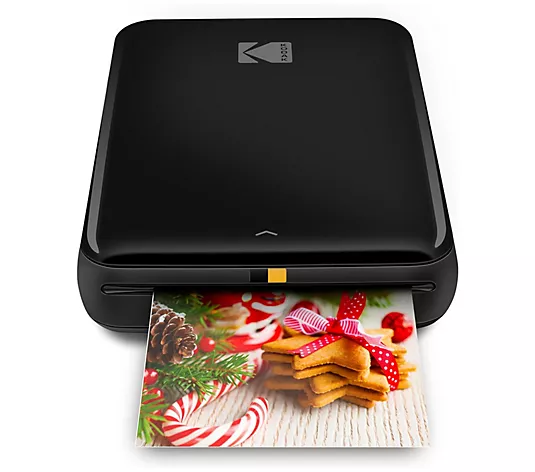
| Kodak Step Wireless Instant Photo Printer w/ Zink Technology | Budget-friendly scrapbookers and casual phone photographers | 2" x 3" Zink prints | Bluetooth connectivity, no ink cartridges, designed for scrapbooking and travel diaries |
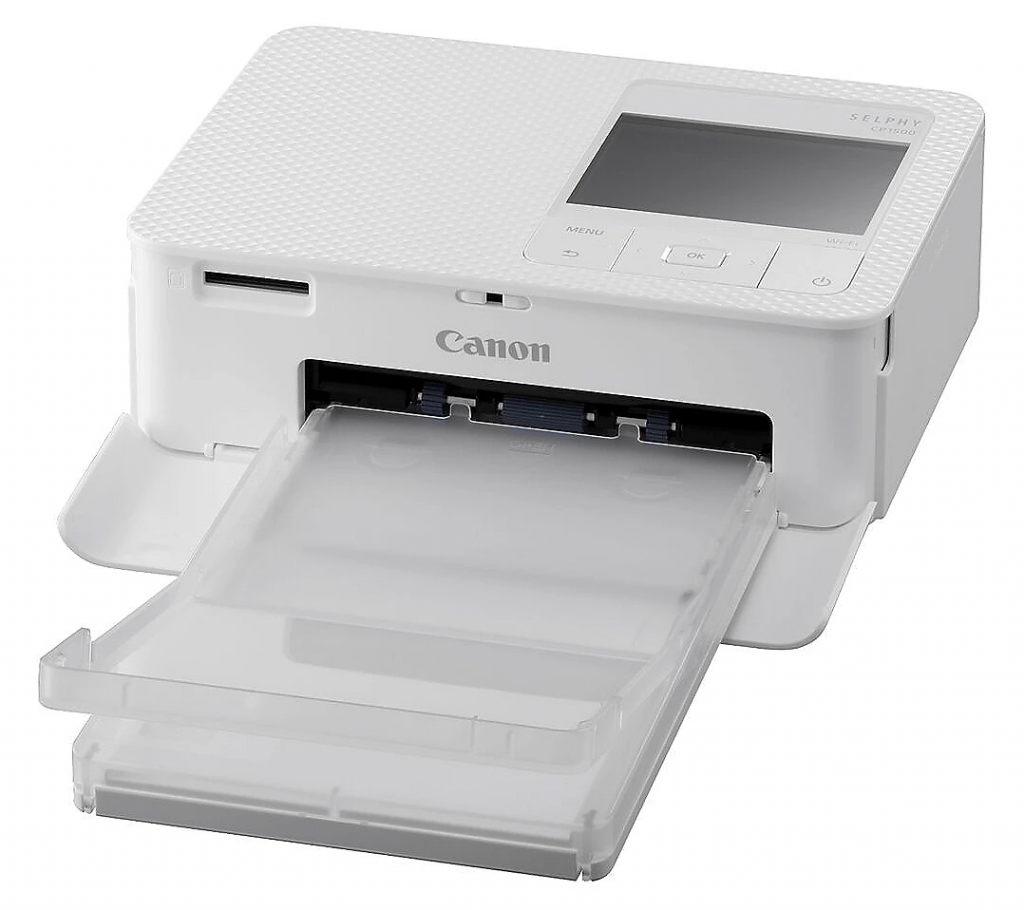
| Canon SELPHY CP1500 Compact Photo Printer | People who want larger, more polished prints | Multiple sizes, including 4" x 6" and small stickers | Built-in Wi-Fi, 300 x 300 dpi, USB flash drive, memory card, computer, iOS and Android support |
The Kodak Step is the closest HP Sprocket alternative because it also uses Zink technology and is positioned for smartphone photos, scrapbooking, and travel diaries. QVC describes it as a compact printer that uses Zink technology, needs no ink cartridges, connects by Bluetooth, and is suitable for travel diaries and sharing with friends.
The Canon SELPHY CP1500 is different. It is still compact, but it is not as pocket-like as the HP Sprocket. QVC lists it as a Wi-Fi photo printer that prints several sizes, including 4" x 6", 3.5" x 4.7", 2.1" x 3.4", and 2.1" x 2.1", with 300 x 300 dpi resolution.
So the choice comes down to purpose.
Choose HP Sprocket if you want quick sticker prints for a journal.
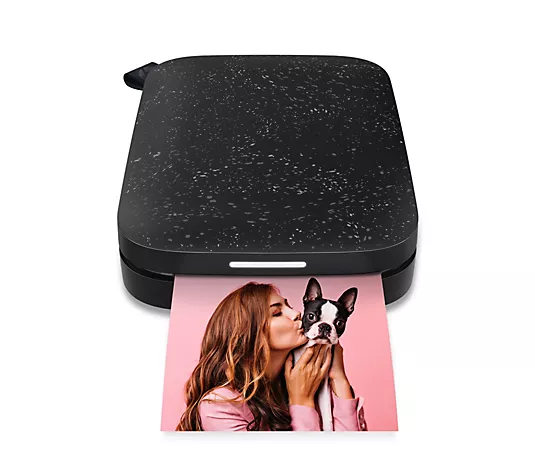
Choose Kodak Step if you want a similar Zink-style printer and like its bundle or price.
Choose Canon SELPHY CP1500 if print quality and larger photo sizes matter more than pocket portability.
How the HP Sprocket Performs for Travel Journaling
The HP Sprocket shines when you use it as part of a creative routine.
Here is a simple travel workflow:
- Take photos throughout the day.
- Favorite 3 to 5 images before bed.
- Print only 1 or 2.
- Add them to your journal with the date, location, and a short note.
- Save the rest digitally.
This avoids the trap of printing too much.
The HP Sprocket is especially helpful for:
Daily travel logs: Print one image per day and write a few lines about what happened.
Kids’ journals: Children can choose their favorite photo and write one sentence about it.
Couples’ memory books: Add a photo beside a dinner receipt, train ticket, or museum pass.
Solo travel reflection: Print a small image, then write what you felt in that moment.
Group trips: Print a few copies and let friends add them to their own notebooks.
The sticky-back paper is the key feature. You do not need glue sticks, tape, or photo corners.
That makes it easier to journal in a hotel room, airport lounge, café, or train seat.
What Is Zink Printing, and Is It Good Enough?
Zink stands for “Zero Ink.” Instead of using separate ink cartridges, Zink paper contains color-forming material that reacts to heat during printing.
This makes mini printers smaller, cleaner, and easier to travel with.
For most travel journals, Zink quality is good enough. It is not the same as professional lab printing, but that is not the point. These prints are meant to be fun, fast, small, and personal.
Zink works best for:
- Bright outdoor photos
- Selfies
- Food shots
- Landmarks
- Journal stickers
- Casual scrapbooks
- Mood boards
It is less ideal for:
- Professional portraits
- Fine art prints
- Large wall displays
- Very detailed landscape photography
- Archival family albums
If you want gallery-level prints, use a photo lab or a dye-sublimation printer like the Canon SELPHY CP1500. Canon’s official specs list the SELPHY CP1500 as a dye-sublimation thermal transfer printer with 300 x 300 dpi resolution.
For small, creative travel pages, the HP Sprocket is more convenient.
HP Sprocket Pros and Cons
- Very portable and easy to pack
- Sticky-back paper is great for journals
- No ink cartridges needed
- Works from smartphone photos and social media
- Fun for kids, parties, and trips
- Simple for quick memory keeping
- Prints are small
- Not ideal for professional-quality photos
- Paper refills add ongoing cost
- Color may vary from your phone screen
- Requires charged printer and phone
- Best results need bright, clear photos
The most important thing to understand is that the HP Sprocket is not trying to replace a full photo printer.
It is trying to make printing feel casual again.
That is why it works so well for instant mobile printing and travel journaling tools. It removes the friction.
Best Use Cases for the HP Sprocket
Travel Journaling
This is the strongest use case.
The HP Sprocket lets you document a trip while the memory is still fresh. You can print a photo the same night and write down details you would forget later, like the name of a street musician or the dessert you ordered.
Scrapbooking
Because the prints are small and sticky, they are easy to layer with stickers, washi tape, maps, and handwritten captions.
Event Guest Books
For birthdays, bridal showers, baby showers, and reunions, guests can print a photo and leave a note.
Dorm Rooms and Lockers
The small sticker format works well for decorating personal spaces.
Family Memory Projects
Parents can use it to make quick photo charts, school memory books, or vacation albums with kids.
What to Look for Before Buying a Mini Photo Printer
Before buying any mini printer, compare these features.
| Feature | Why It Matters |
|---|---|
| Print size | Smaller prints are better for journals, larger prints are better for frames |
| Paper type | Sticky-back paper is easier for scrapbooking |
| Connectivity | Bluetooth is simple for phone printing, Wi-Fi may offer more flexibility |
| App quality | A good app makes editing, borders, filters, and printing easier |
| Refill cost | Paper costs matter more over time than the printer price |
| Battery or power needs | Travelers need easy charging |
| Portability | A true travel printer should fit easily in a bag |
| Print durability | Some prints resist smudges, water, or fingerprints better than others |
For travel, the top three features are portability, refill availability, and ease of use.
If a printer is too bulky or annoying to connect, you will stop using it.
HP Sprocket vs. Kodak Step: Which Is Better?
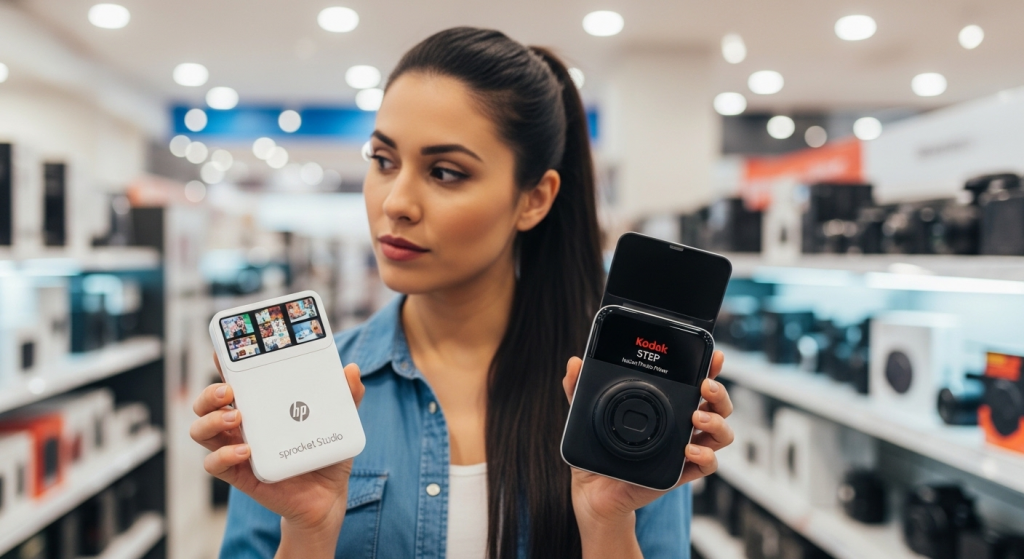
The HP Sprocket and Kodak Step are the closest match in this comparison.
Both are aimed at people who want small, fast smartphone prints without ink cartridges. Both are useful for scrapbooking, journals, and casual sharing.
The HP Sprocket may be the better pick if you like the HP app ecosystem, want a very slim printer, and plan to use HP Sprocket paper.
The Kodak Step may be better if you find a bundle with more paper, a scrapbook, or a better deal.
From a user perspective, the experience is similar: pick a phone photo, connect, print, peel, and stick.
For most buyers, the better choice may come down to current QVC pricing, included accessories, color options, and refill paper availability.
HP Sprocket vs. Canon SELPHY CP1500: Which Should You Choose?
This comparison is about portability versus print quality.
The HP Sprocket is better for travel journaling because it is smaller and uses sticky 2" x 3" prints.
The Canon SELPHY CP1500 is better if you want larger, more traditional photos. It prints up to 4" x 6", supports multiple input options, and uses dye-sublimation printing rather than Zink.
Choose the Canon SELPHY CP1500 if you want to print photos for:
- Frames
- Gifts
- Family albums
- Holiday cards
- Higher-quality keepsakes
Choose the HP Sprocket if you want to print photos for:
- Journals
- Scrapbooks
- Travel notebooks
- Kids’ projects
- Stickers
- Small creative layouts
Both are useful, but they solve different problems.
Creative Ways to Use the HP Sprocket on Your Next Trip
Here are some simple ideas that make a mini printer more valuable.
Make a One-Photo-Per-Day Journal
Print one image that captures the day. Add the date, city, weather, meal, and favorite moment.
Create a Map Journal
Print small photos and place them beside a hand-drawn route or printed map.
Build a Food Diary
Print your favorite meal from each city and write what you ordered.
Save “Tiny Details”
Do not only print landmark photos. Print the hotel key card, café table, train window, street sign, or market stall.
Those details often bring back the strongest memories.
Make Post-Trip Thank You Cards
Print a favorite group photo and add it to a handwritten note.
Create a Packing List Page
Print photos of your best travel essentials and use them as a visual packing guide for future trips.
Common Mistakes to Avoid
Printing Too Many Photos
Mini printer paper is limited. Print the best moments, not every moment.
Using Dark or Blurry Images
Small prints make dark photos look even darker. Choose bright, clear images.
Forgetting Refill Paper
Always pack extra paper if you plan to journal daily.
Not Charging the Printer
Charge it before travel days. A mini printer is only useful if it is ready when inspiration hits.
Expecting Lab-Quality Results
The HP Sprocket is about convenience and creativity, not museum-grade printing.
Is the HP Sprocket Worth It?
Yes, the HP Sprocket is worth it if you want an easy, portable way to print small photos from your phone.
It is especially useful for travelers, scrapbookers, parents, students, and anyone who likes hands-on memory keeping.
It may not be worth it if you only want large, polished prints or if you rarely make journals, scrapbooks, or creative projects.
In that case, the Canon SELPHY CP1500 may be a better fit.
But for travel journaling, the HP Sprocket has the right mix of size, simplicity, and fun.
This Mini photo printer review comes down to one question: do you want perfect prints, or do you want printed memories you will actually use?
For most travelers, the second option matters more.
FAQ: Mini Photo Printers and Travel Journaling
What is the best mini photo printer for travel journaling?
The HP Sprocket is one of the best options for travel journaling because it is small, portable, and prints 2" x 3" sticky-back photos from a smartphone.
Is instant mobile printing good for scrapbooks?
Yes. Instant mobile printing is useful for scrapbooks because you can print photos quickly, add captions while memories are fresh, and use sticky-back paper without glue.
Do mini photo printers need ink?
Many mini photo printers, including the HP Sprocket and Kodak Step, use Zink paper, so they do not need traditional ink cartridges.
Are HP Sprocket photos good quality?
HP Sprocket photos are good for casual use, journals, scrapbooks, and small keepsakes. They are not meant to replace professional photo lab prints.
What are the best travel journaling tools?
Useful travel journaling tools include a compact notebook, fine-tip pens, washi tape, a glue stick, a portable charger, a small pouch, and a mini photo printer like the HP Sprocket.
Final Verdict: The Best Mini Photo Printer for Travel Journaling
The HP Sprocket is the best pick in this comparison for quick, creative travel journaling.
It is small, simple, and made for instant mobile printing. The sticky-back photos are ideal for notebooks, scrapbooks, planners, and memory pages.
The Kodak Step is a strong similar option if you want another Zink-based printer with a travel diary-friendly design.
The Canon SELPHY CP1500 is the best option if you care more about larger prints and photo quality than pocket portability.
Best overall for travel journals: HP Sprocket Portable 2" x 3" Instant Photo Printer
Best similar Zink alternative: Kodak Step Wireless Instant Photo Printer
Best for larger photo keepsakes: Canon SELPHY CP1500 Compact Photo Printer
If your travel photos usually stay trapped on your phone, a mini printer can help you turn them into something you can touch, share, and revisit.
That is the real value of the HP Sprocket. It helps your memories make it out of the camera roll.
The responses below are not provided, commissioned, reviewed, approved, or otherwise endorsed by any financial entity or advertiser. It is not the advertiser’s responsibility to ensure all posts and/or questions are answered.